
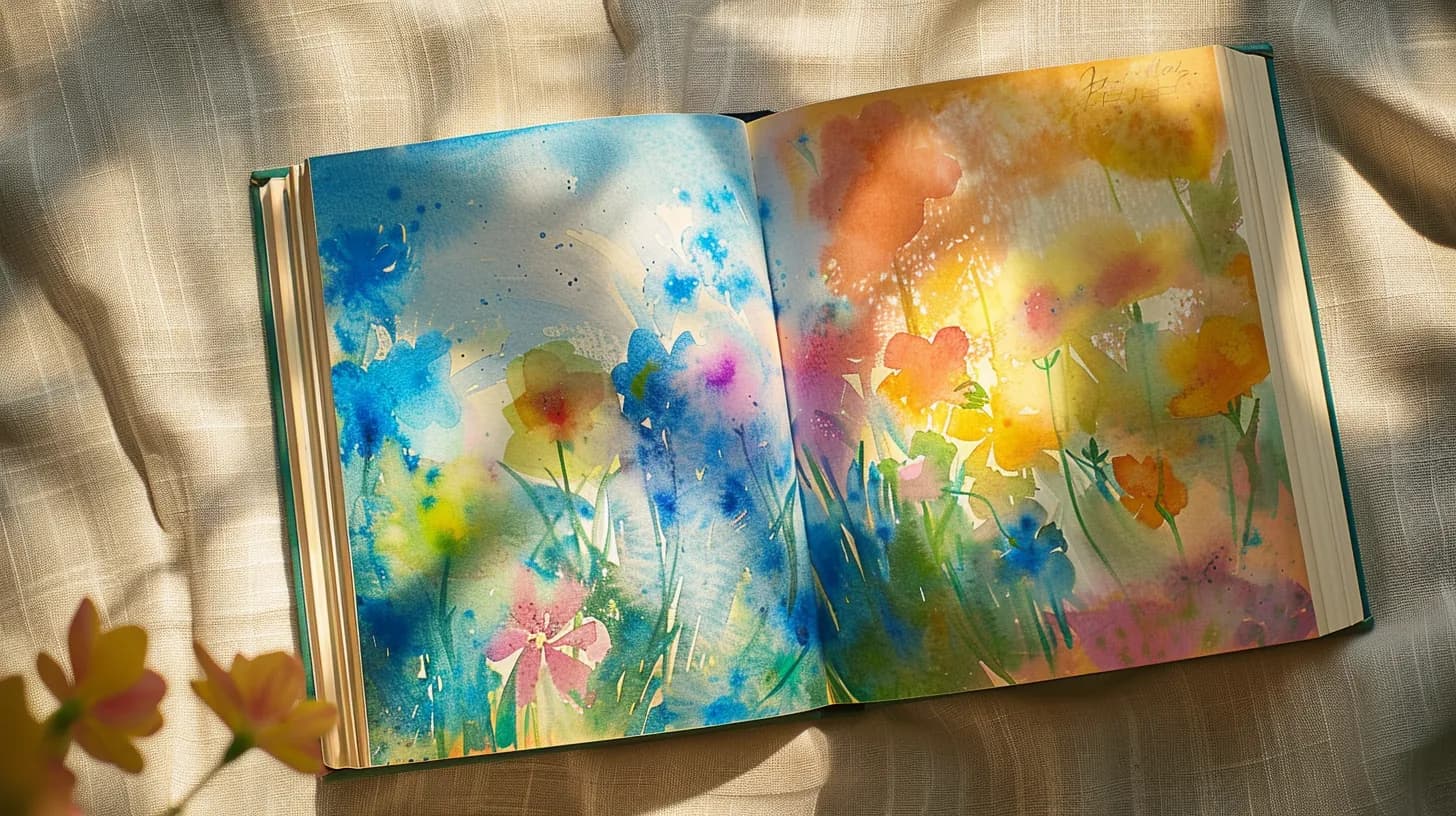
Illustrated book
Create a professional illustrated book online
Folio Studio lets you create photo albums, children's books and portfolios in minutes. Import your images, organise pages, export as a PDF optimised for screen or for 300 DPI printing.
Feature available on the Pro plan (€9/month).
What an illustrated book looks like
Each page is a full image, arranged in the editor. Example of a children's picture book.
 Page 1
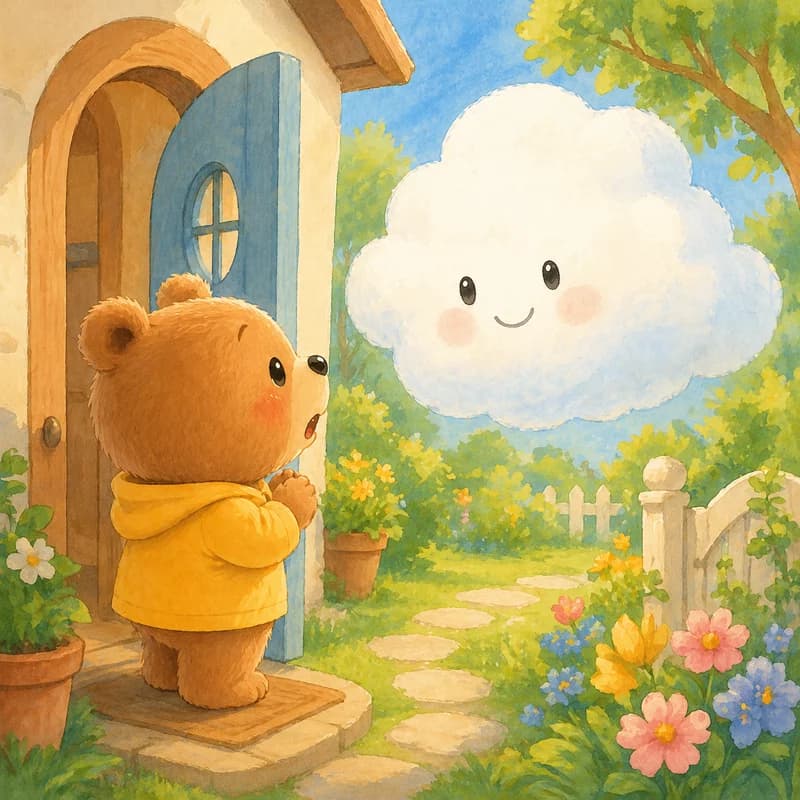 Page 2
 Page 3
 Page 4
 Page 5
From your images to an exportable book in 3 steps
Create an illustrated book project
Choose the Illustrated Book mode when creating your project. Define the format (square, landscape, portrait) and target dimensions.
Import your images and organise pages
Import your JPG, PNG or WebP files (up to 10 MB per image). Reorder pages by drag-and-drop. Up to 100 pages per project.
Export as PDF or epub
Two export modes: Screen (native dimensions, lightweight) for digital sales, Print (3000px on the long dimension, 300 DPI) for physical printing.
For what types of books?
Photo albums
Wedding, travel, family. Export as PDF for online printing or Etsy sales.
Artist portfolios
Present your work as a book. Digital format for sharing or printed for clients.
Art books
Artwork reproductions, photography collections. High-resolution export for offset printing.
Illustrated Book mode features
Up to 100 pages per project
The Illustrated Book mode supports up to 100 image pages. Sufficient for most photo albums, children's books and portfolios.
300 DPI print export
Print mode resizes each page to 3000px on the long dimension, giving ~300 DPI for A4 format. Ready for online printing services.
Resolution check
Folio Studio analyses the resolution of each imported image and warns you if an image is too light for 300 DPI printing in the chosen format.
Drag-and-drop reordering
The page grid reorganises by drag-and-drop. Delete, duplicate or reorder pages without leaving the interface.
Your images deserve a real book
Import, organisation, PDF export. Ready for printing or digital sales.
Create my illustrated book →Frequently asked questions
What is the minimum recommended resolution for images?
For 300 DPI printing in A4 format (8.27 x 11.69 inches), an image must be at least 2480 x 3508 pixels. Folio Studio warns you if an image is below this threshold for the selected format.
Can I create an illustrated book with text over images?
The Illustrated Book mode is designed for pure image pages. For a children's book with text positioned over illustrations, this mode is not suitable. Folio Studio is better suited to photo albums, portfolios and artist books.
Can my illustrated book be sold on Amazon KDP?
Yes. Export in Print mode to get a print-ready PDF. KDP Print accepts colour books, at a higher printing cost than black and white. Check the format specifications on the KDP website before exporting.
What's the difference between Screen export and Print export?
Screen export preserves the native dimensions of each image and produces a lightweight file (ideal for digital sales, Etsy PDFs, ebooks). Print export resizes all pages to 3000px on the long dimension to achieve ~300 DPI in print.