
Read on an e-reader
Text that adapts to the screen. Included from Free, without a watermark.
The Folio Studio Book workshop
Import your text, compose the pages and cover, then export your book for digital reading or print.

01 · The manuscript
Import a DOCX, Markdown or plain text file, or write in the editor. Organise chapters, choose a template and check the layout in a 2D or 3D preview.
Sofia Carvalho had nothing special planned for that Tuesday in November. Rain had been falling over Lisbon since dawn, a stubborn drizzle washing through the lanes of Bairro Alto.
4It protruded from her letterbox, half soaked, addressed in handwriting she did not recognise at first. Then the name stopped her. Elena.
Sofia stood still in the rain for a moment, the envelope in her hands.
5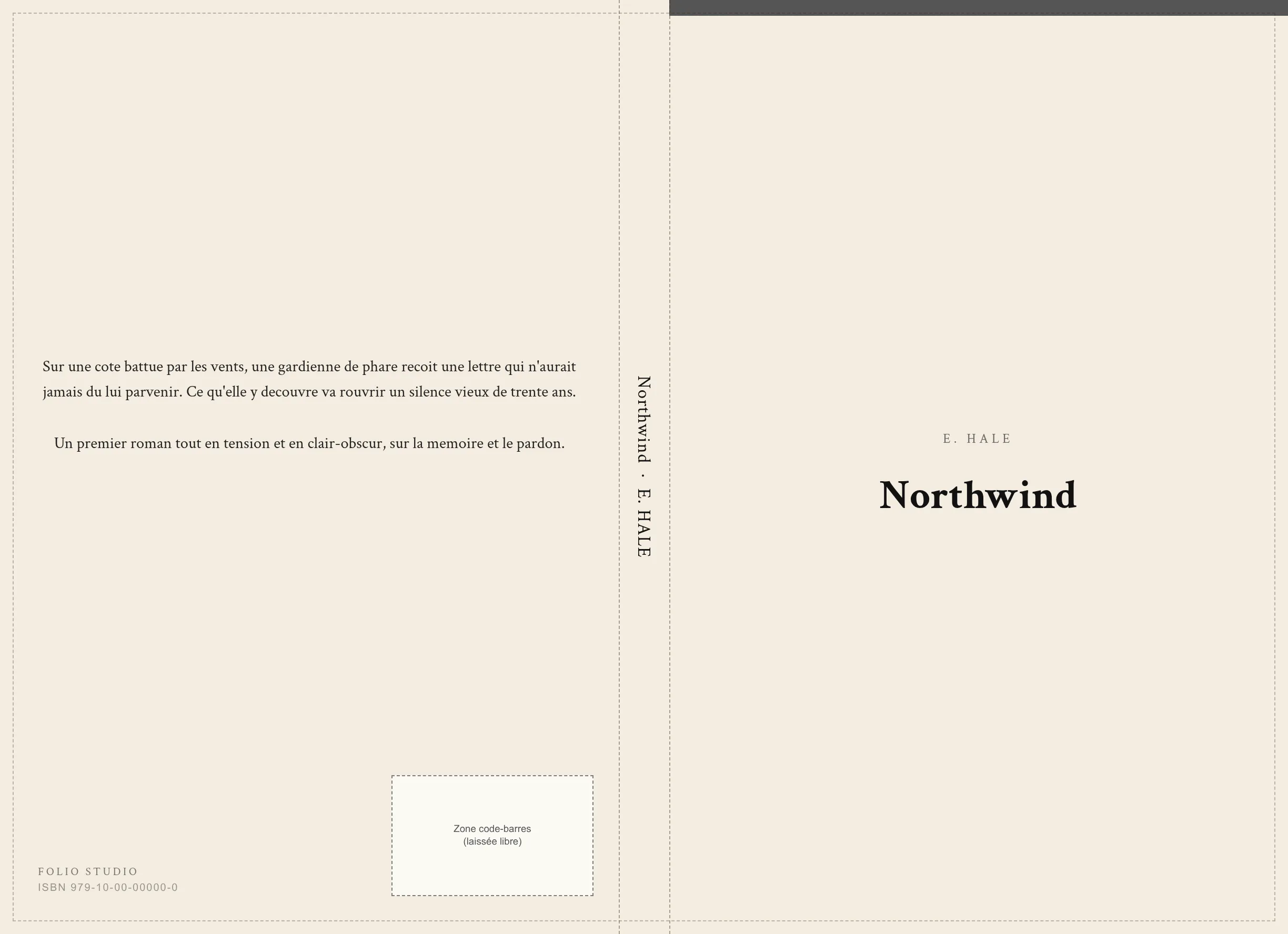
02 · The cover studio
Design the front, spine and back in the same studio. Prepare bleed, the barcode area and a spine width adapted to the page count.
Studio included from Starter. Advanced options and image generation in Pro.
Compare plans03 · The files
Export from the same project for your publication channel.
Text that adapts to the screen. Included from Free, without a watermark.
A reading PDF from Free. A print-ready PDF available individually or included from Starter.
An editable file for proofreading or editorial work. Included from Starter.
04 · Writing assistance
Import, layout and export work without AI. AI-free mode provides a PDF or JSON record of actions performed in the project. The mode cannot determine whether user-imported text was created with AI. If you enable writing tools, you choose which correction, analysis or rewriting suggestions to apply.
In Pro, gather your characters, their relationships and the facts of your novel. Flagged inconsistencies point you to passages to reread.